


-
1
Unplug the Water System from the power supply by removing from electrical socket.
-
2
Wait up to 60 seconds and plug your Water System and turn on power.
-
3
Press Extra Hot button
Reset your Water System

-
1
Enter Menu, select Settings and go to Child Protection
-
2
Using the Up and Down arrows select NO this will disable child protection. Press OK to confirm selection.
-
3
Press Left Arrow repeatedly to go back to Main Menu. Then press for Hot Water.
Check if the childlock mechanism is on
How do I dispense hot water whilst Child Lock is on?
Press down on Hot water and then on Cold water (whilst the Hot water button is still pressed). Hot water will dispense whilst both buttons are pressed.
Related Content


Descaling & Changing Water Filter

Changing the UV Lamp on your T7
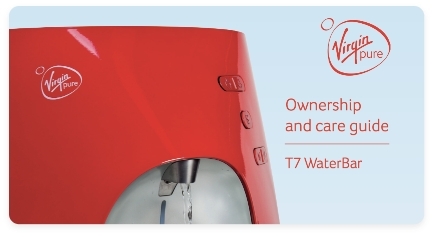
Home Water System I Care Guide Manual
If you need a little help, we're right here. Just get in touch using one of the options below.

WhatsApp hours
Monday – Friday: 9:00am – 8:00pm
Weekends & Bank Holidays: 10:00am – 7:00pm

Live chat
Live chat hours
Monday – Friday: 9:00am – 8:00pm
Weekends & Bank Holidays: 10:00am – 7:00pm

Call us
0207 022 6471Contact hours
Monday – Friday: 9:00am – 5:30pm
(close on weekends and bank holidays)


