


How to adjust temperature settings
Please watch step-by-step video guide how to adjust your Water System’s temperature settings.
For more information
You may download the care guide here
-
1
Enter Menu
-
2
Select Water Temperature and Quantity
-
3
Select Cold Water and Press OK
-
4
Select Cold Water Temperature
-
5
Using the arrow keys, adjust cooling level. (It is advised to select one click down from the top bar to reduce the possibility of light drips from spout during cooling process)
Check cold water settings
Your Water System has a 1.2 Litre Cold Water Storage tank, if the Water System has dispensed a large quantity of water within the last 20 minutes. Please allow Water System to be cooled and try again.
If issue still persists you may check water temperature settings:
If this issue is not resolved:
Contact Customer services to schedule a technical visit
Related Content


Videos
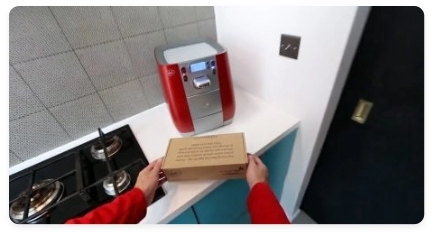
Descaling & Changing Water Filter
Videos
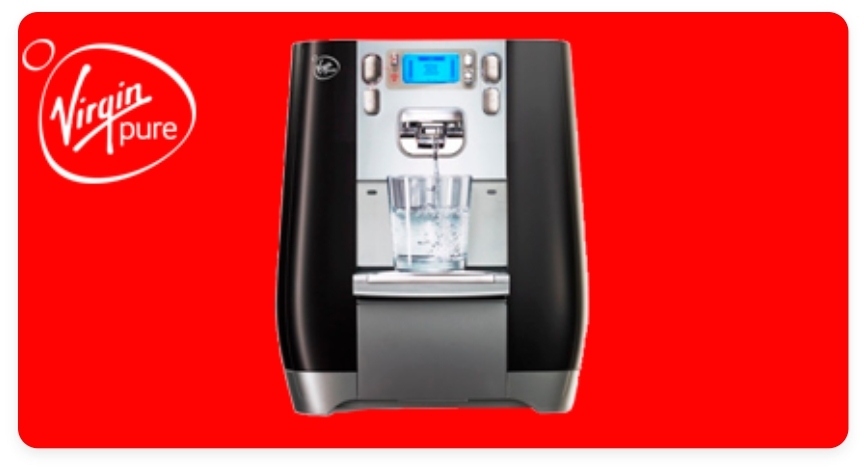
Changing the UV Lamp on your T6
Guides & Manuals
Work Water System T6 Care Guide Manual
Can't find what you're looking for?
Chat with Us
Monday - Friday
9:00 AM - 5:30 PM
Saturday - Sunday
10:00 AM - 7:00 PM


