


-
1
Press and hold the Menu button until "HC" appears onscreen.
-
2
Press the Blue button multiple times until "-7" is displayed onscreen.
-
3
Press and hold the Menu button to exit
-
4
Allow 30 minutes for the Water System to reach its coolest temperature.
Related Content


Videos
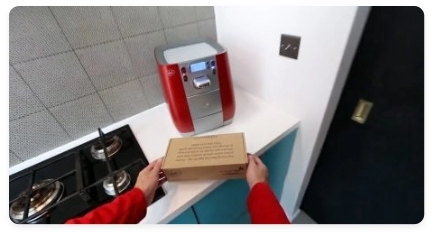
Descaling & Changing Water Filter
Videos
Changing the UV Lamp on your T6
Guides & Manuals
Work Water System T6 Care Guide Manual
Hopefully that's sorted everything. If you still need a little help, we're right here. Just get in touch using one of the options below.

WhatsApp hours
Monday – Friday: 9:00am – 8:00pm
Weekends & Bank Holidays: 10:00am – 7:00pm

Live chat
Live chat hours
Monday – Friday: 9:00am – 8:00pm
Weekends & Bank Holidays: 10:00am – 7:00pm

Call us
0207 022 6471Contact hours
Monday – Friday: 9:00am – 5:30pm
(close on weekends and bank holidays)


