


-
1
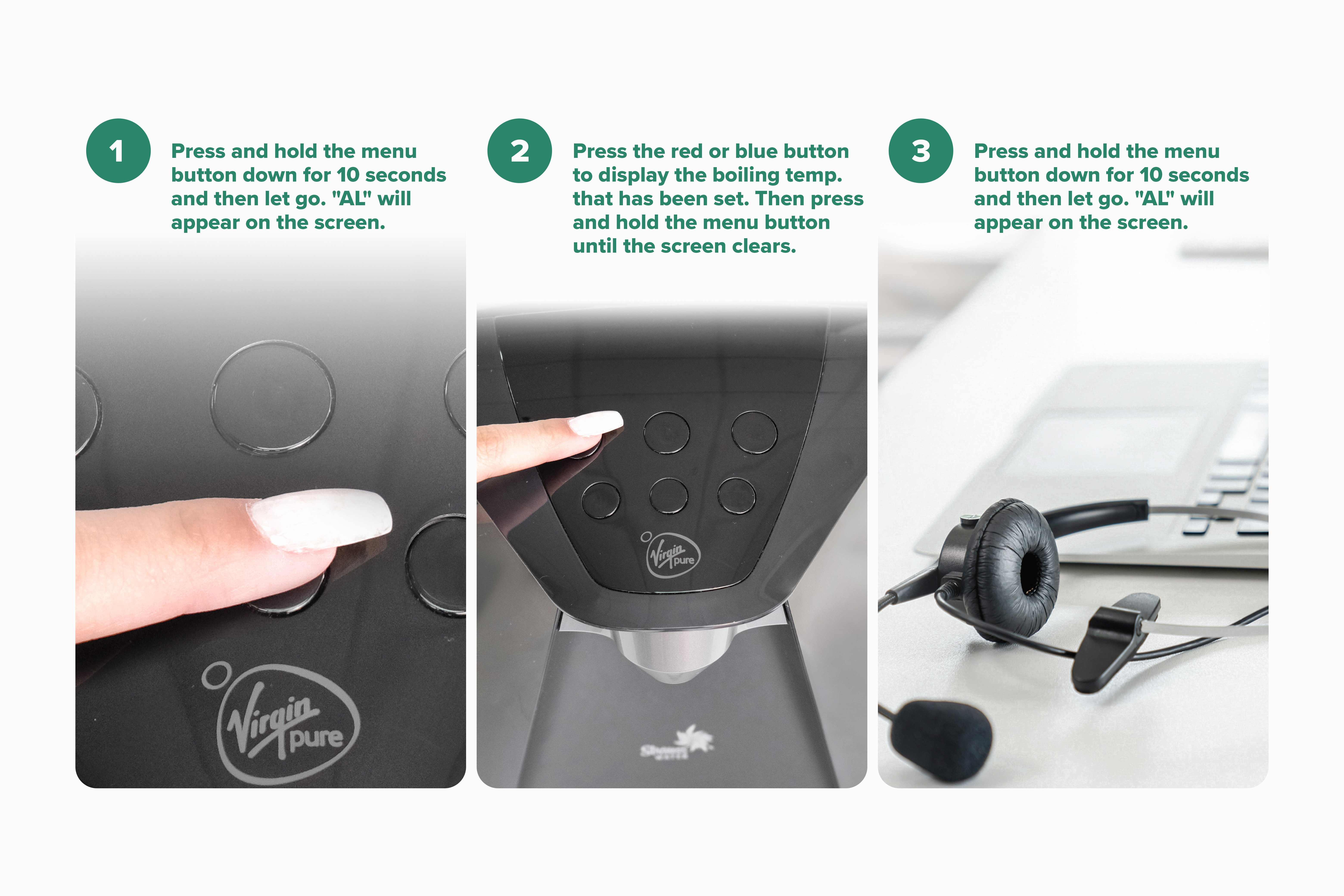
Press and hold the menu button down for 10 seconds and then let go. "AL" will appear on the screen.
-
2
Press the red or blue button to display the boiling temperature that has been set. Use the blue button to reduce the number and the red button to raise the number set the number onscreen until you reach 97.
-
3
Press and hold the menu button until the screen clears.
Check boiling temp:
If problem persists, please contact customer services on 0207 022 6471 for further assistance.
Related Content


Videos
Descaling & Changing Water Filter

Videos
Changing the UV Lamp on your T7

Guides & Manuals
Home Water System I Care Guide Manual
Can't find what you're looking for?
Chat with Us
Monday - Friday
9:00 AM - 5:30 PM
Saturday - Sunday
10:00 AM - 7:00 PM


