


-
1
Remove the plastic top cover
-
2
Remove the UV lamp from the Water System
-
3
wait 5 seconds then re-insert into Water System, being sure that the UV lamp is fully inserted
-
4
The letter U or N will appear onscreen
-
5
Press the blue cold dispense button once or twice to cycle between U (for USED) and N (FOR NEW) in this case we will want the screen to show the letter U onscreen
-
6
Press the menu button to confirm your selection
-
7
Try to dispense cold water
Ensure that your machine has proper airflow
Please allow a day for smells to dissipate. If this issue persists, then:
Contact Customer services to schedule a technical visit
Related Content


Videos
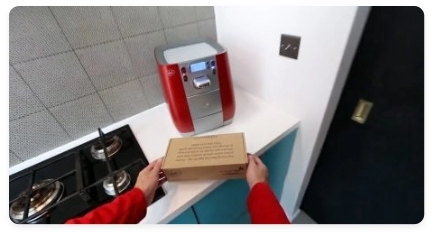
Descaling & Changing Water Filter
Videos
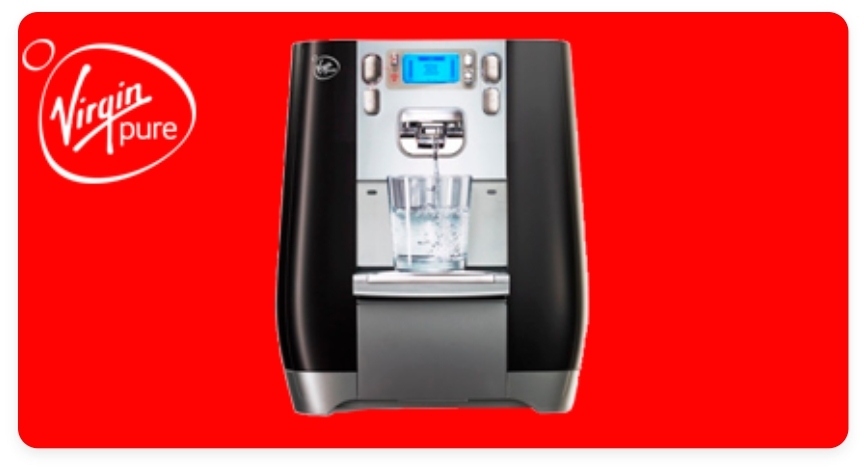
Changing the UV Lamp on your T6
Guides & Manuals
Work Water System T6 Care Guide Manual
Can't find what you're looking for?
Chat with Us
Monday - Friday
9:00 AM - 5:30 PM
Saturday - Sunday
10:00 AM - 7:00 PM


